Counting on the iPad Inventory App
- Log into your Barnet Inventory App
- Add Closing Count ensuring the correct date shows. In Barnet, the count is always for the morning before opening.
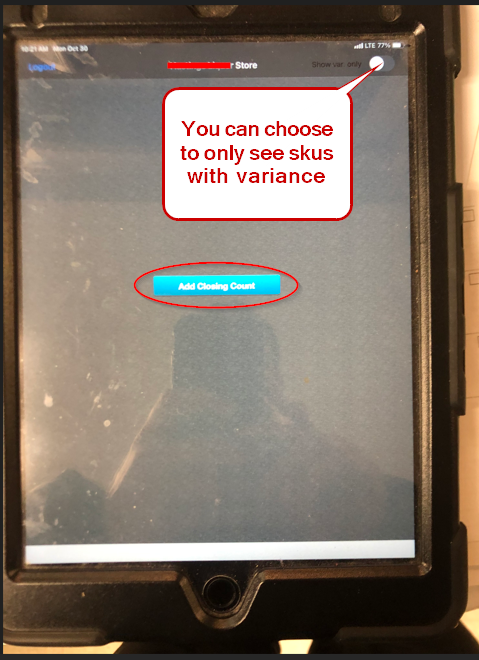
- If you want to filter your products for a specific Location or Category select the appropriate one here:
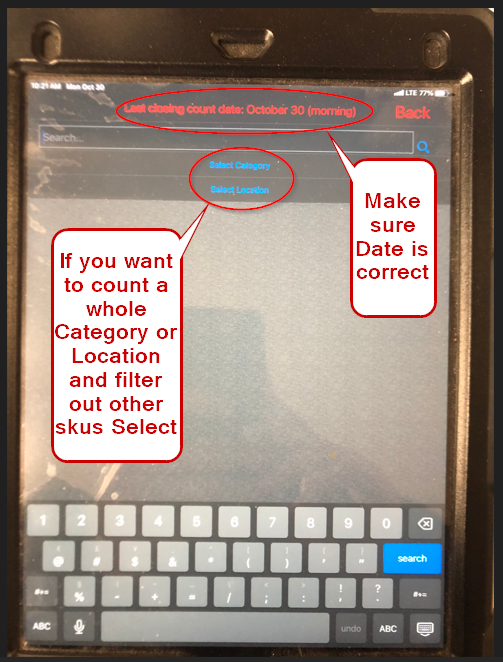
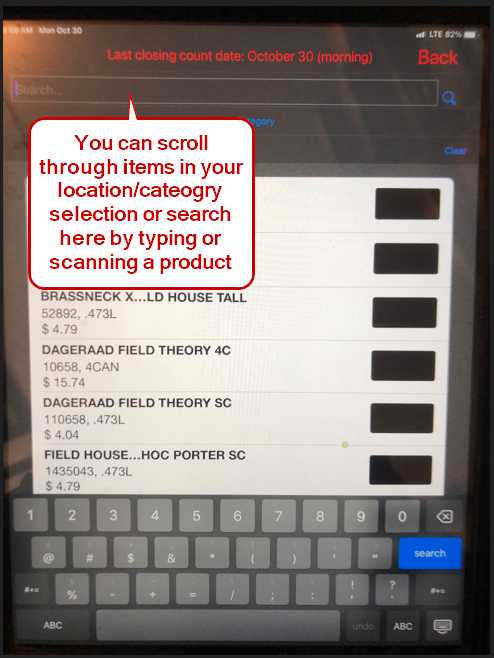
- If you choose a Category or Location, just those items will show on the screen for you to scroll and select to enter counts or you can scan the products or just type in a search.
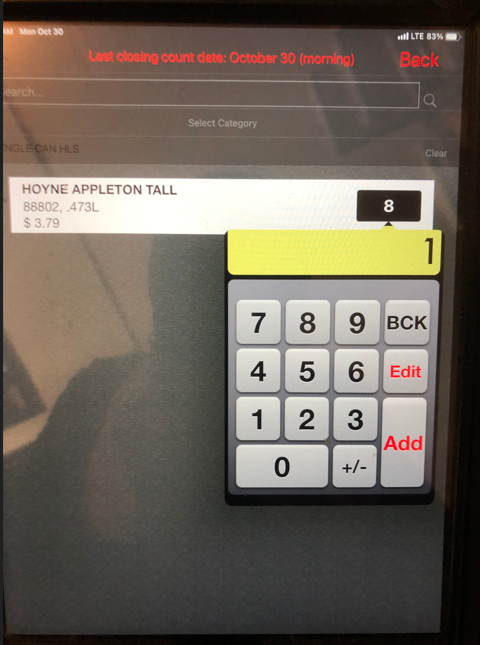
- Enter in the count of each SKU. You can continue to add to the same product if you find more elsewhere or select a count to change it.
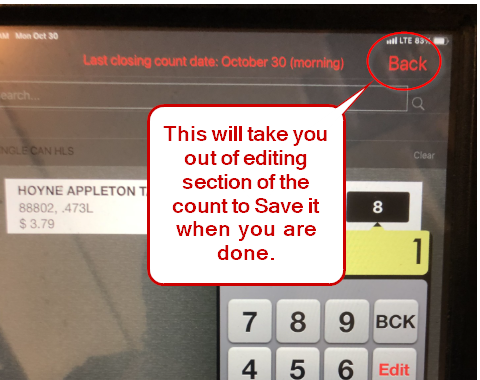
- When you arefinished your count, hit the Back button then Save the Closing Count.
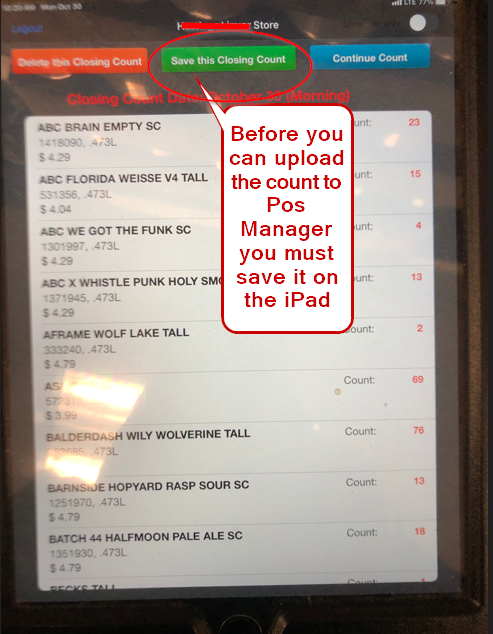
- Once the count is saved you can upload it in Add Inventory Count on POS Manager.

