Updating LDB Price List and LTOs
Use this process if your system is not set up to automatically preform the LDB and LTO updates. (Using this process does not change YOUR cost or selling prices.)
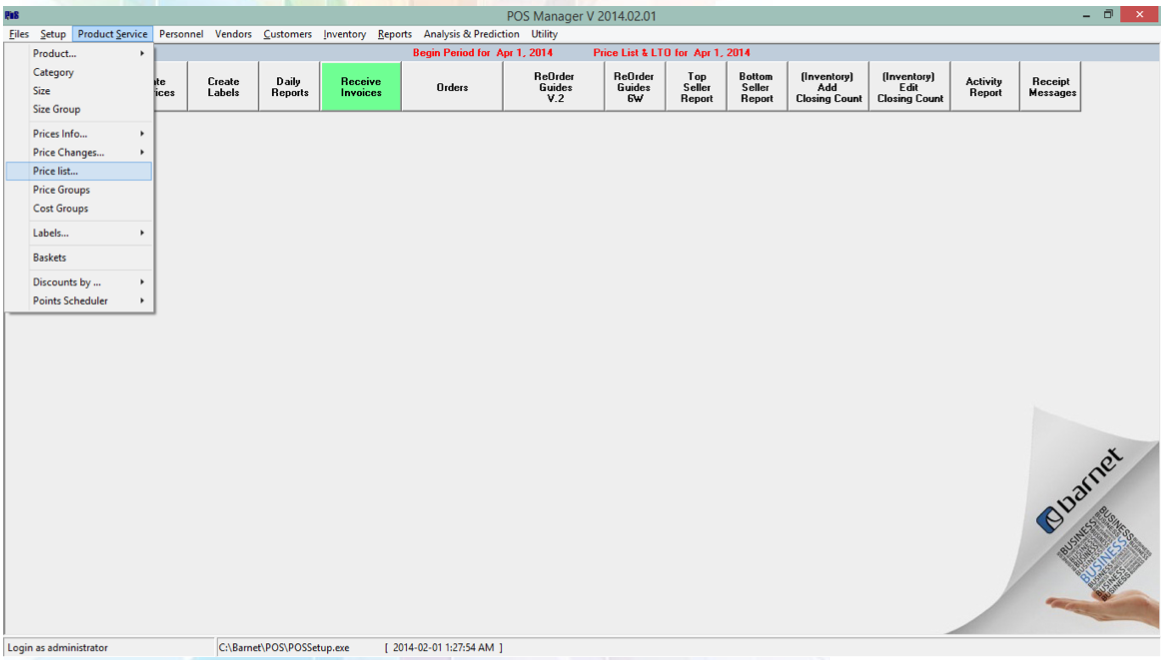
In POS Manager, go to: Product Service > Price list
-
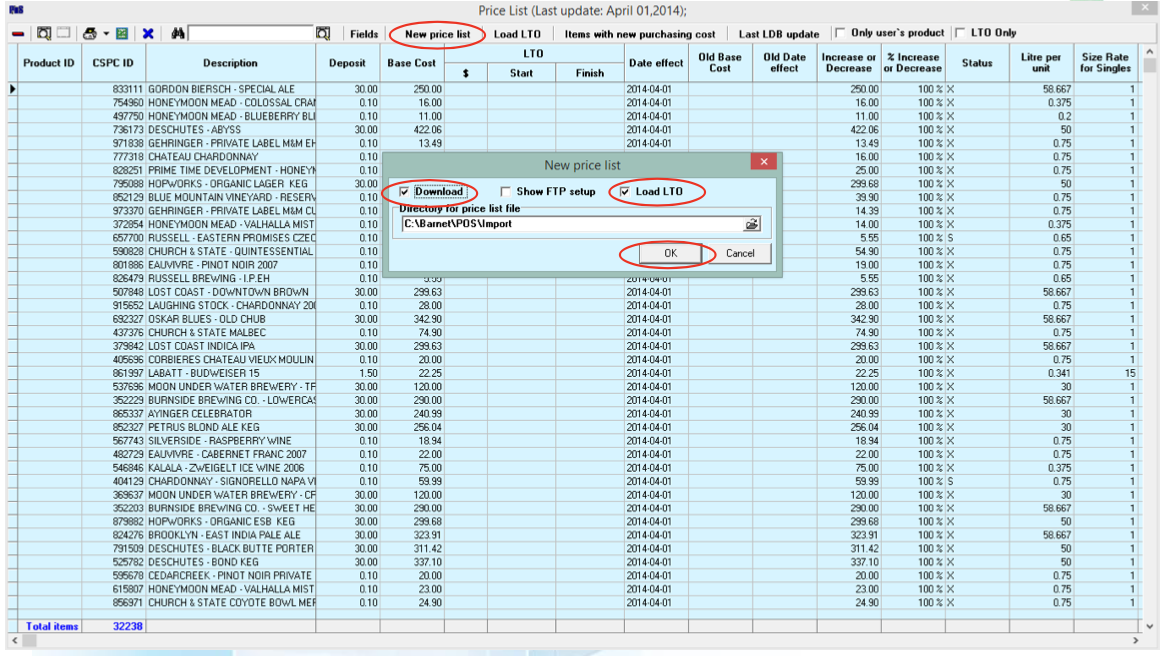
Select New price list
-
Tick the Download box and/or Load LTO box
-
Click OK
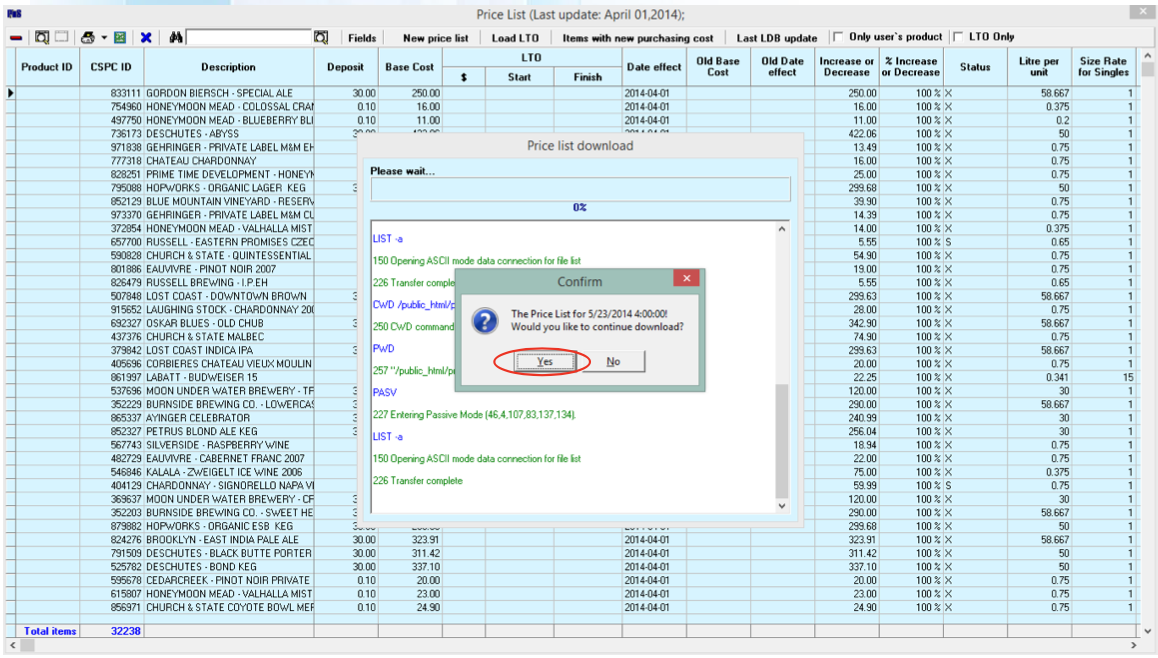
Click Yes to confirm LDB Price List update
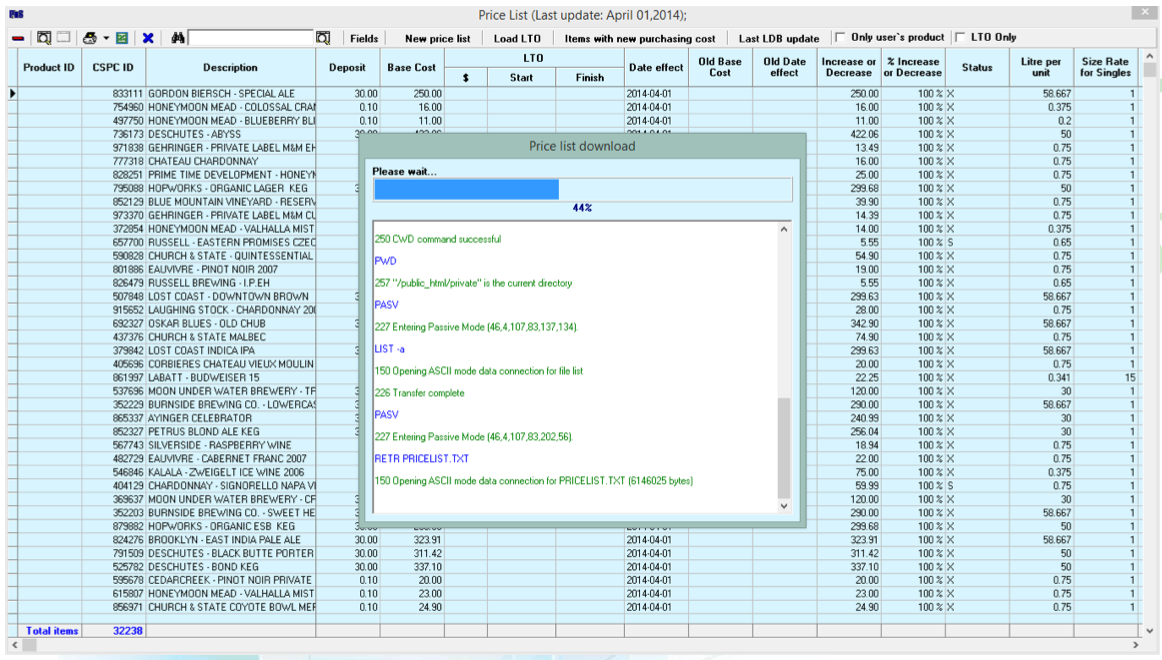
The new prices (and LTOs if selected) will download
Click OK to complete
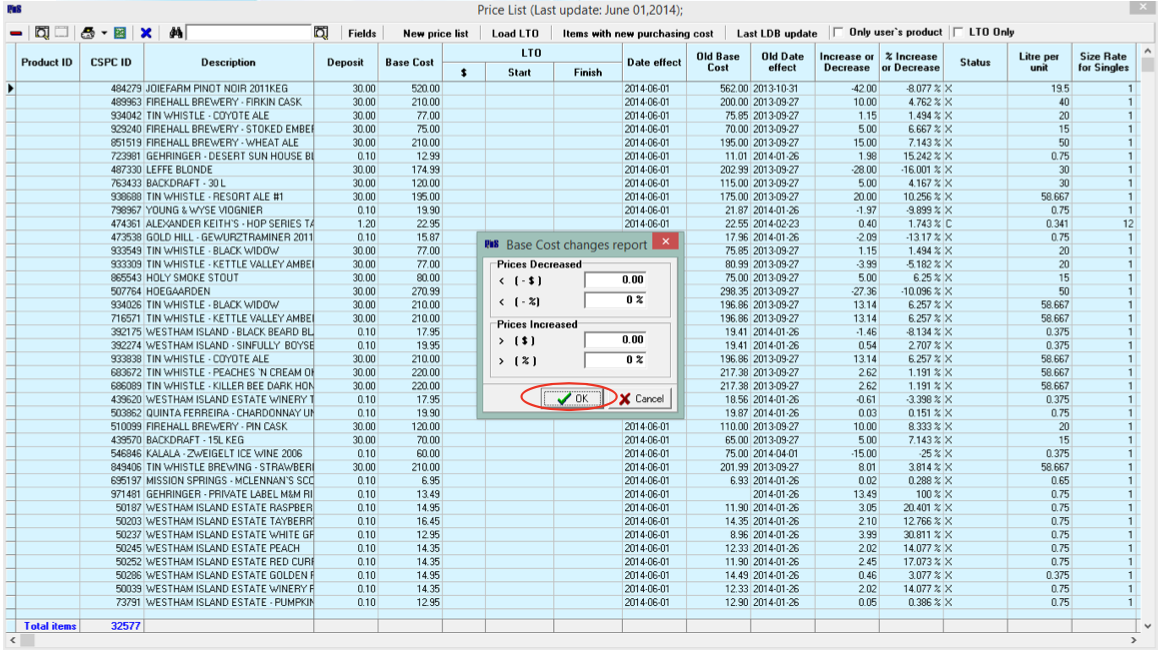
Tick the boxes for the Reports you would like to view/print or untick boxes and click OK.
The process is complete, your LDB (& LTO) list have been updated. You may now close the Price List panel.

