Manual Re-Packing
Using the Barnet POS – Manual Re-Packing
Under POS Manager:
Under Product Maintenance
Under Product Maintenance: check the box Show re-packing items only
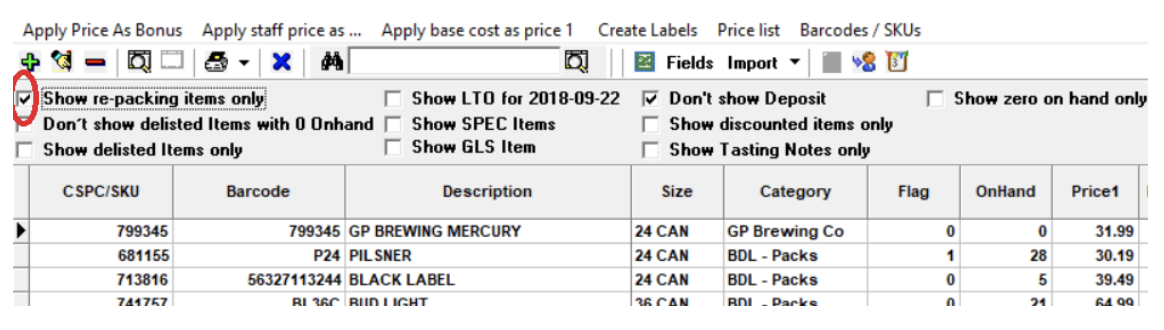
Select the item for re-packing
Select the item for re-packing and click Update
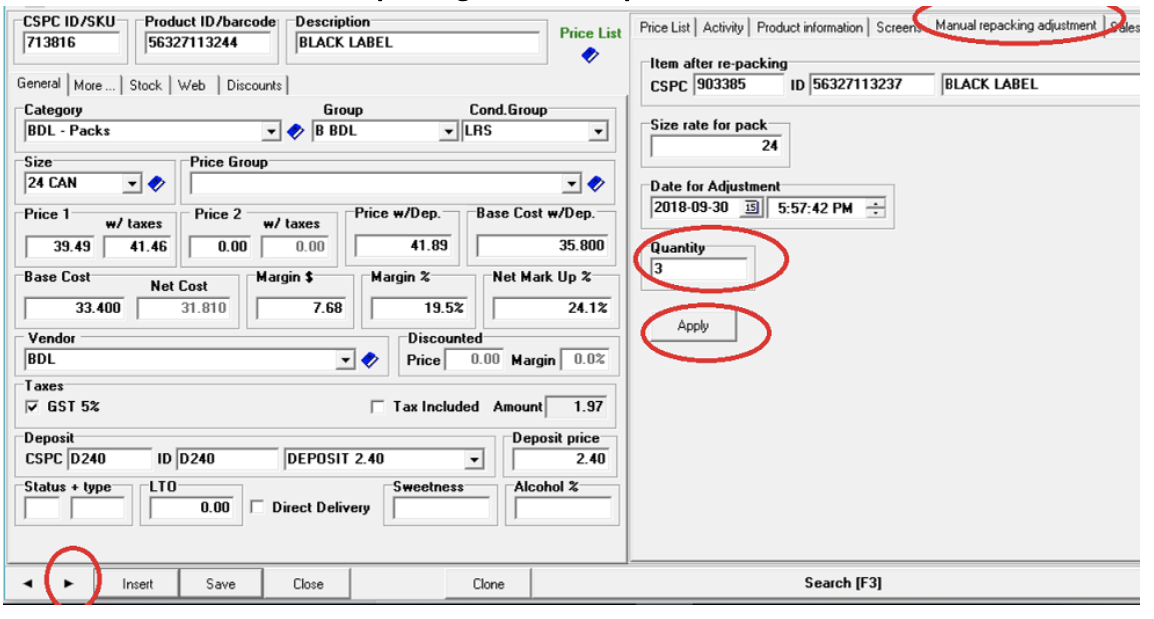
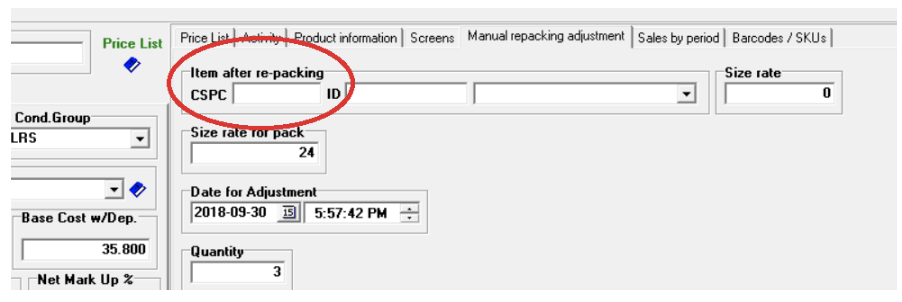
- Enter in Quantity for repacking
- Press Apply
- Go to Next
• If Item after re-packing is different – you can just change it:
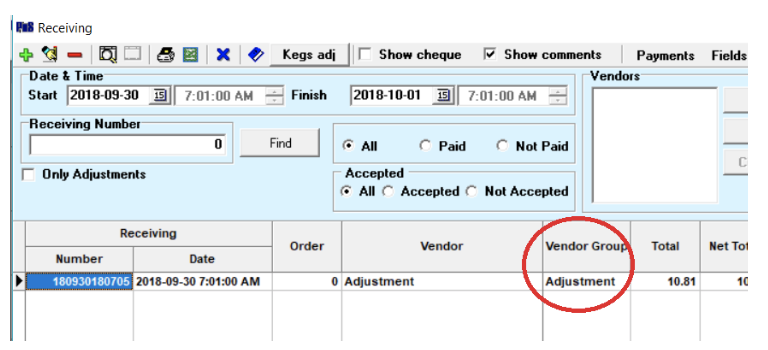
Go to Receiving Invoices
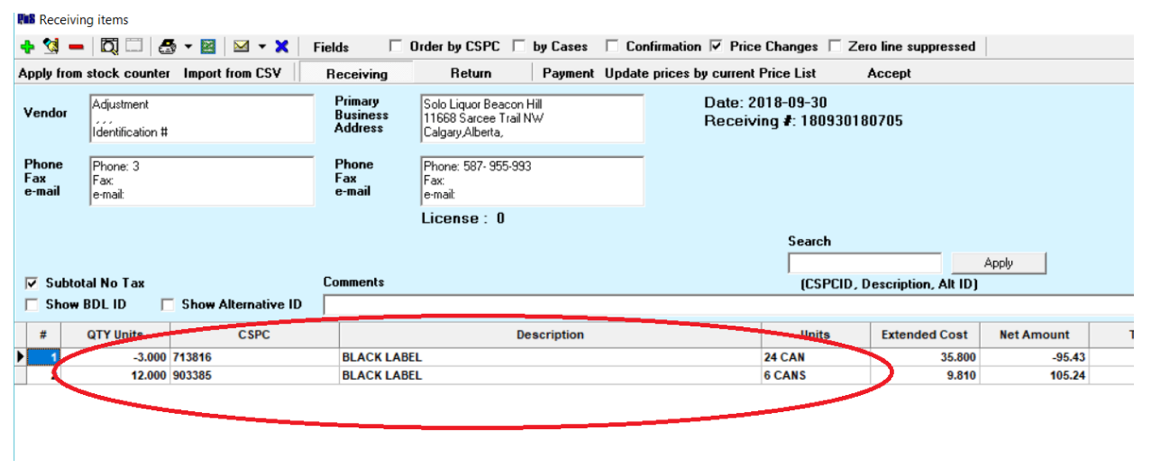
When you finished the entry process, you can go to Receiving Invoices (Inventory > Receiving) to check the adjusted items under Adjustments: