Printing Labels
To print labels, you must first select items by clicking the check boxes left of the descriptions in product maintenance. Then click on the Print Labels button.
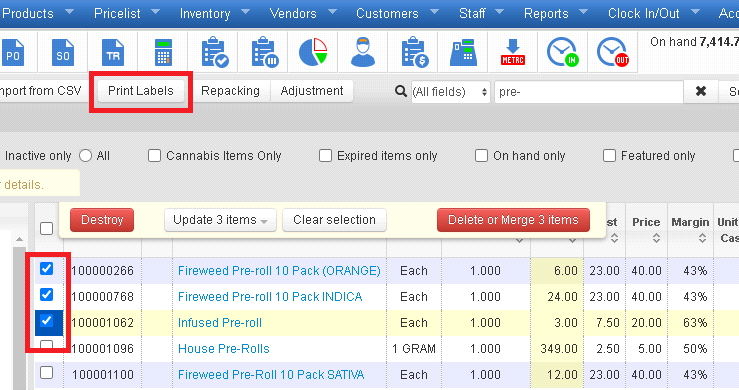
When the "Print labels" button gets clicked, the list of the selected items pops up:
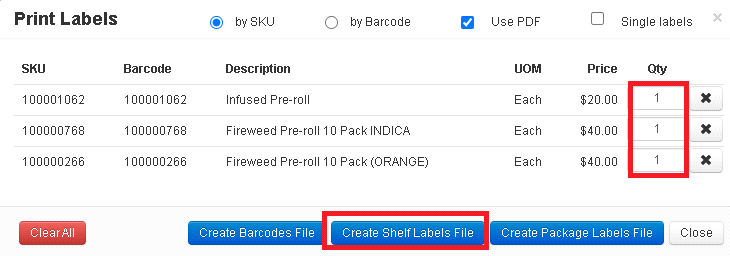
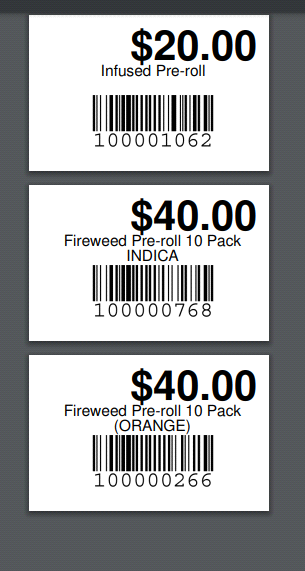
If you choose the "Create Shelf Labels File," a PDF file will be created with selected items and the labels will have descriptions and prices on them.
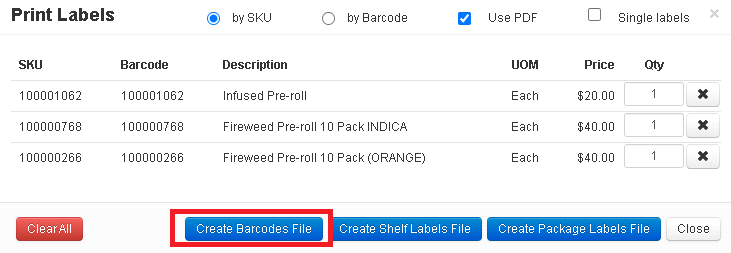
If you choose the Create Barcodes File, a PDF file will be created with selected items, and they will only have barcodes.
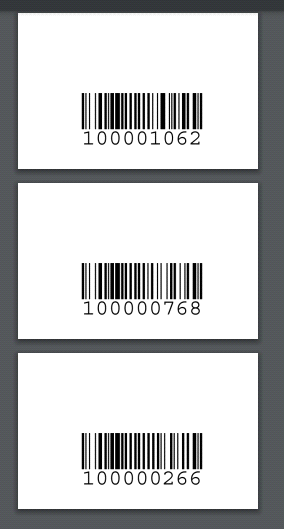
Then you can print out the pdf file(s).

