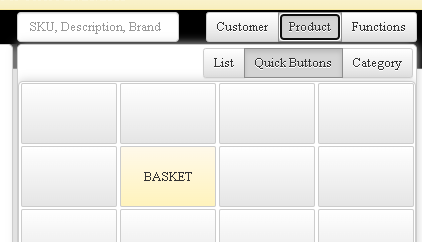
How to Create Baskets
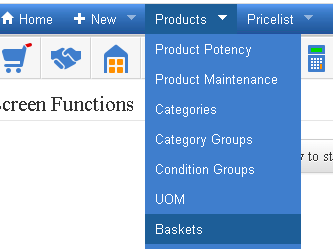
Go to Baskets under Products
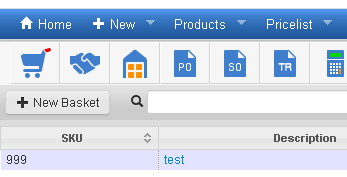
Click on the New Basket button
In the pop out window, fill in the SKU and Description boxes
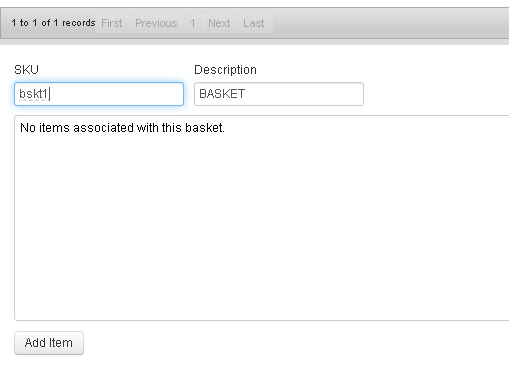
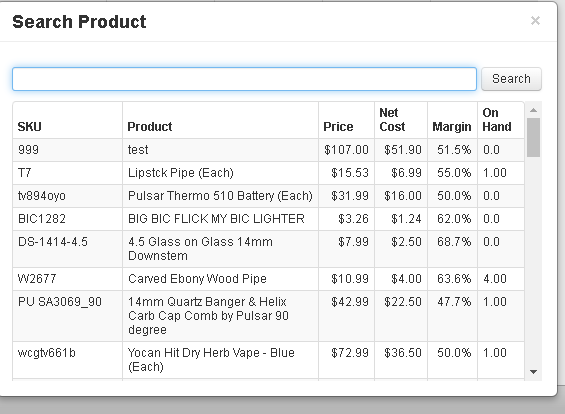
Click on the Add Item button to fill the basket with items
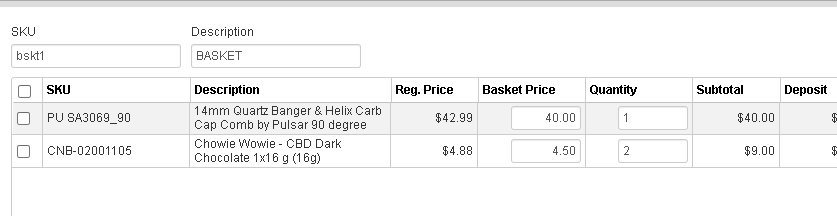
When an item is added to a basket, the price and quantity can be adjusted
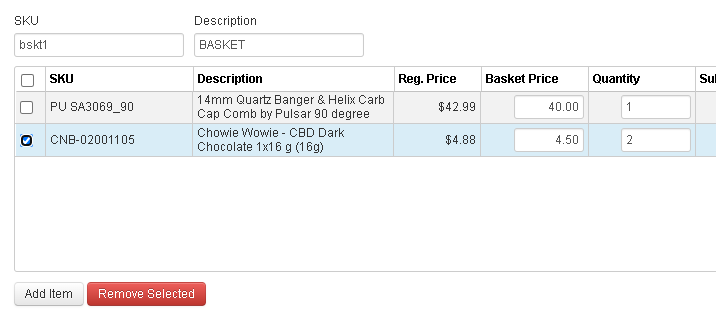
If an item should be removed from a Basket, select the item, and use the Remove Selected button
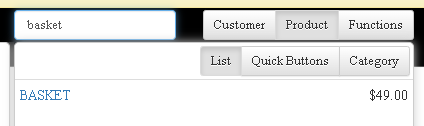
Adding an item to a receipt (two options)
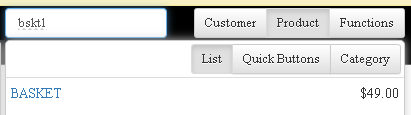
- Type in the basket name or basket SKU in the Search Product box
- Create a Quick Button in the Product screen