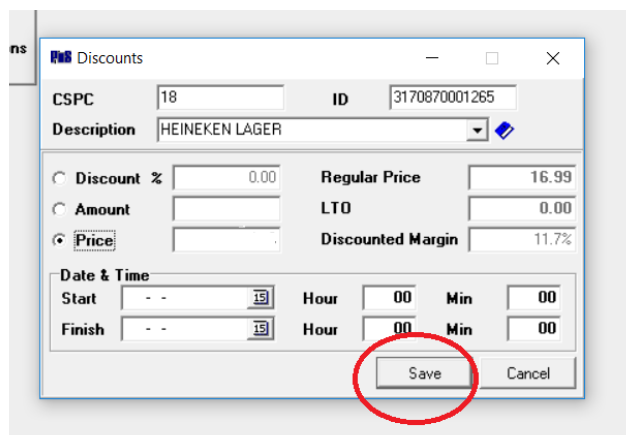
Using the Barnet POS -Discounts Schedule
Using the Barnet POS Portal – Discounts Schedule
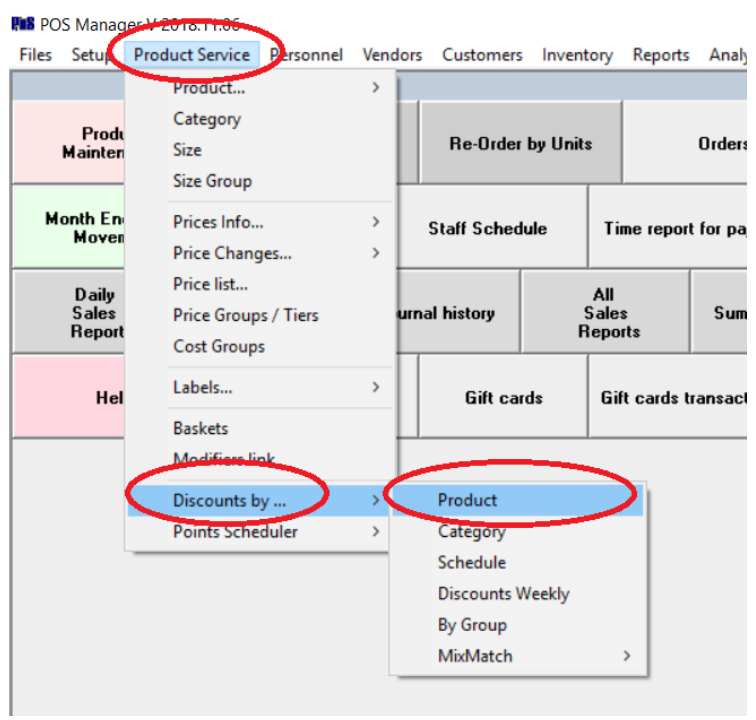
Under POS Manager, go to:
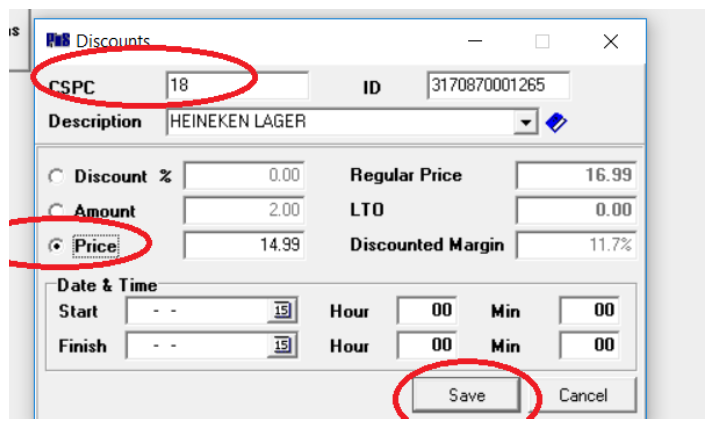
- Enter SKU
- Select Price or Discount % or discount off (Amount) and type the discount value
- You can select start date and Finish or leave it is blank and click Save
If you need to remove the discount:
- Enter SKU
- Press Save