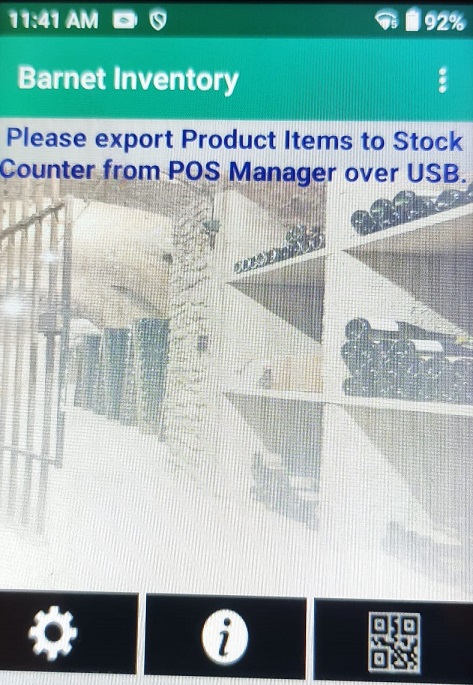
Unitech HT730 Out of Box Setup
- Charge the HT730 with a USB-C type cable
- When it is charged, turn it on
- The home screen looks like this:
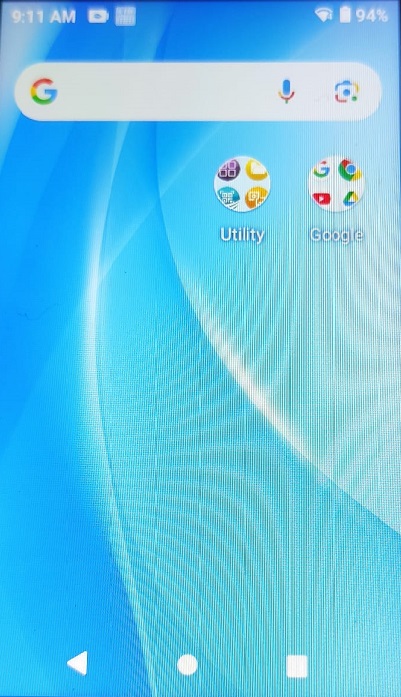
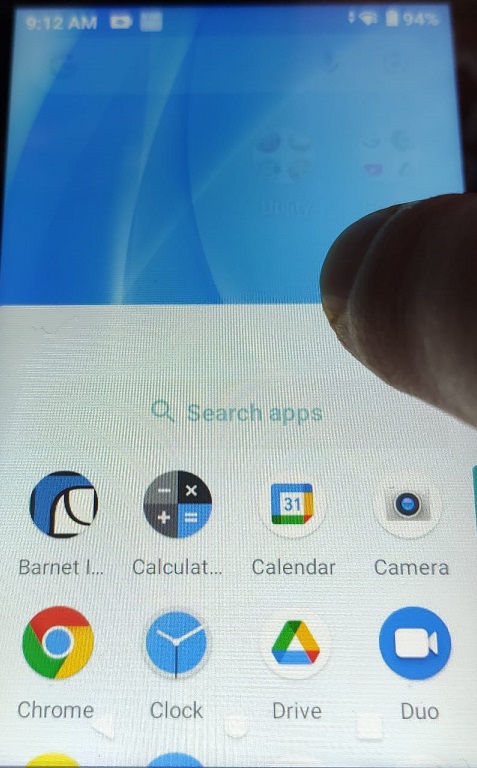
- From the bottom of the screen swipe upward. The installed apps will show:
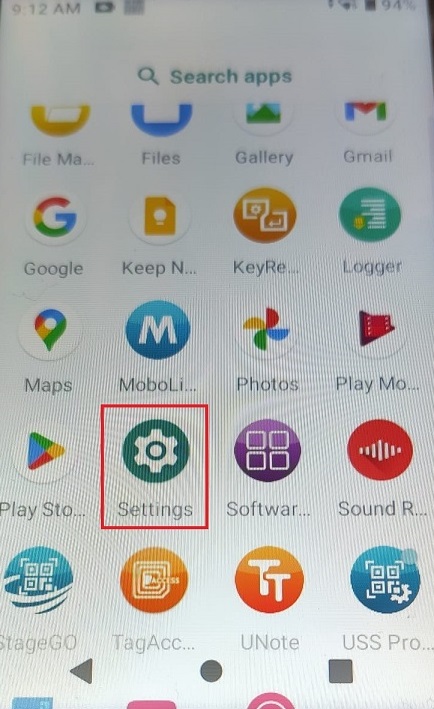
- Scroll up to find Settings and tap on it:
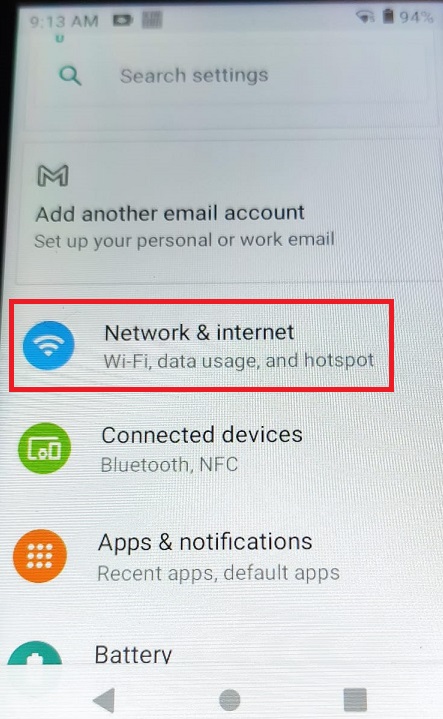
- Select Network & internet
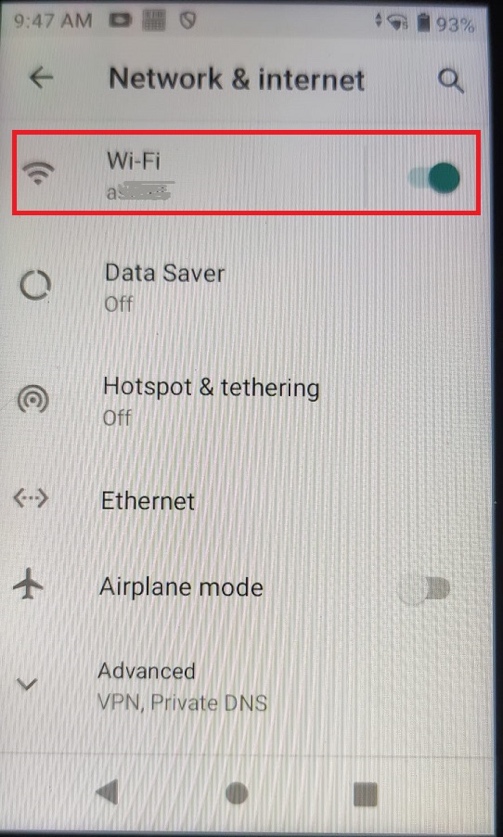
- Click on Wi-Fi:
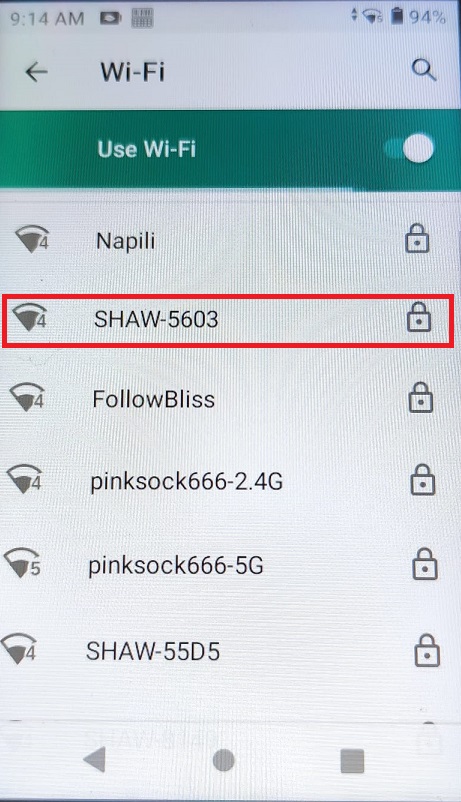
- Select your Wi-Fi network:
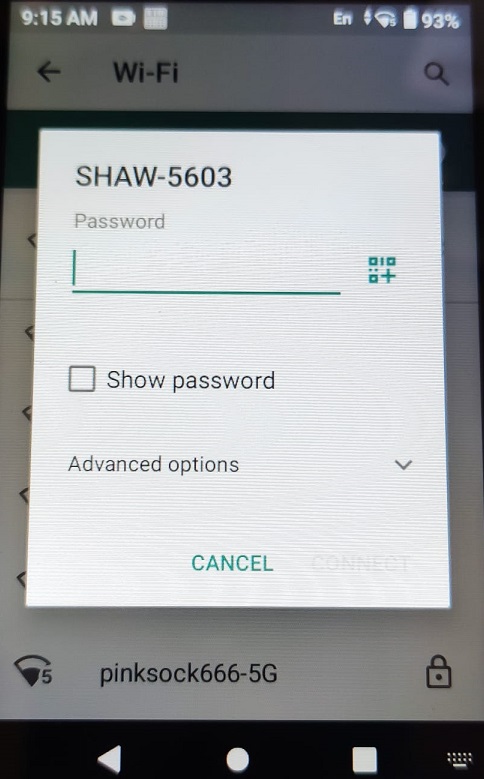
- Enter the Wi-Fi password:
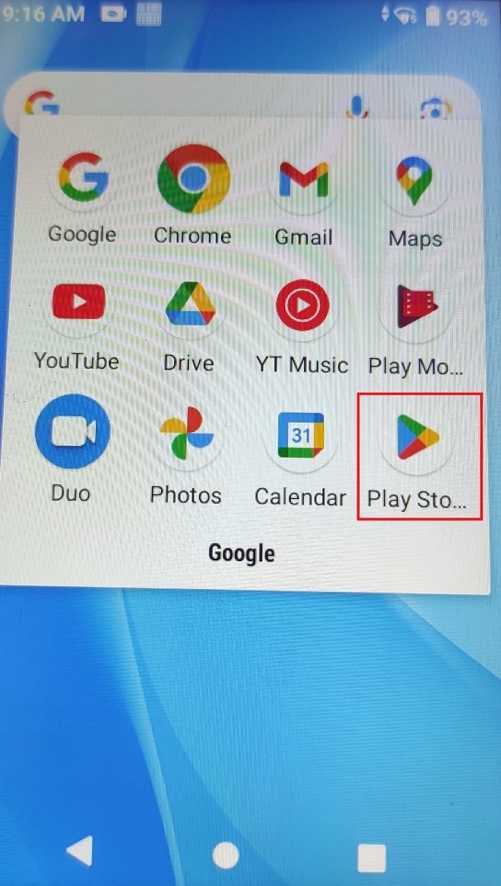
- Go back to the home screen and find the Play Store app:
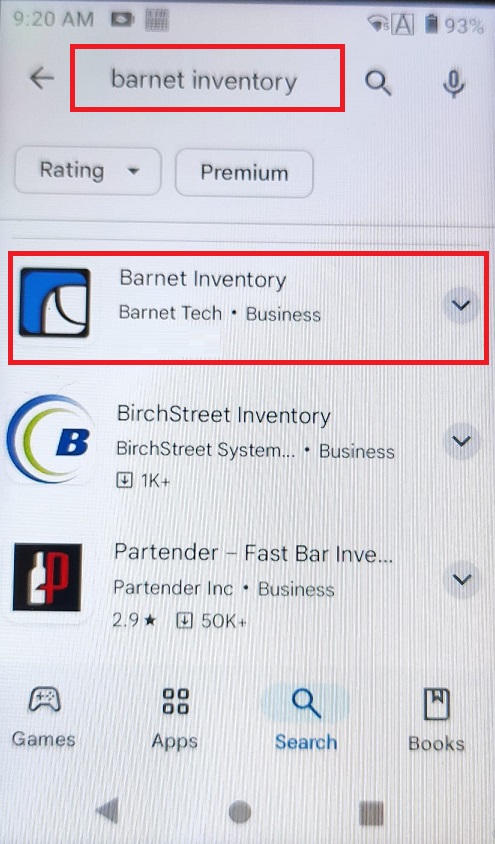
- Find the Barnet Inventory app and install it:
- The Barnet Inventory app is now on the home screen and ready to run:
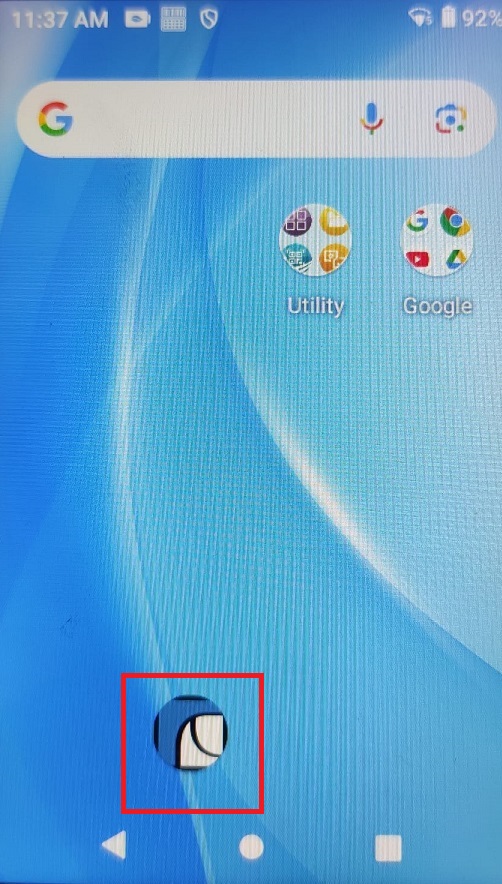
- Run the app: