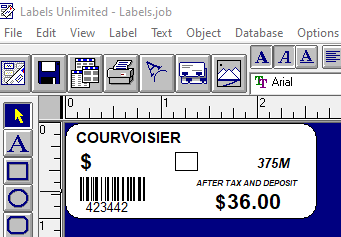
Creating Labels using the Unitech HT730 Scanner
- Scan all products you want to print labels for on the Unitech HT730 scanner
- When finished, connect it back to the office computer with a USB-C type cable
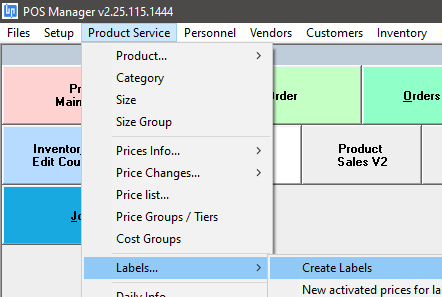
- In POS Manager, select Product Service > Labels > Create Labels
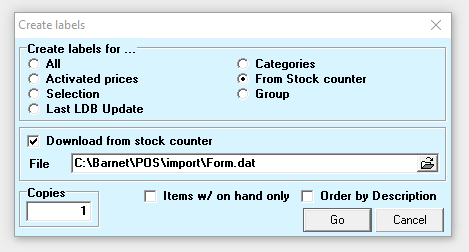
- Select the From Stock counter option:
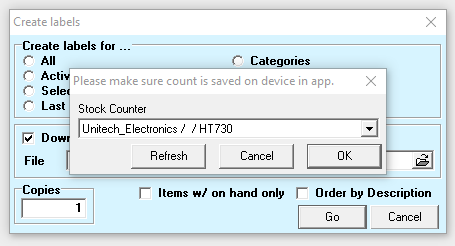
- Confirm that the data from the Unitech HT730 device will be used, and click OK
- The inventory count will be downloaded to the computer. Click on OK
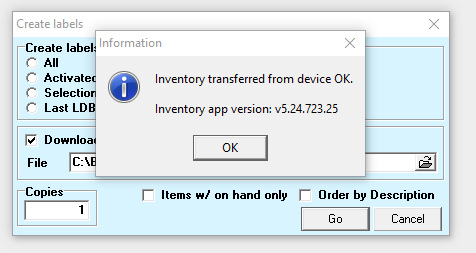
- Creation of the labels data file is confirmed:
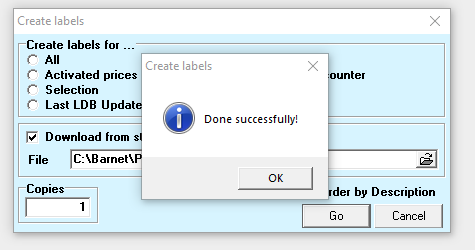
- Use your regular label software (Avery or Labels Unlimited) to create labels: